
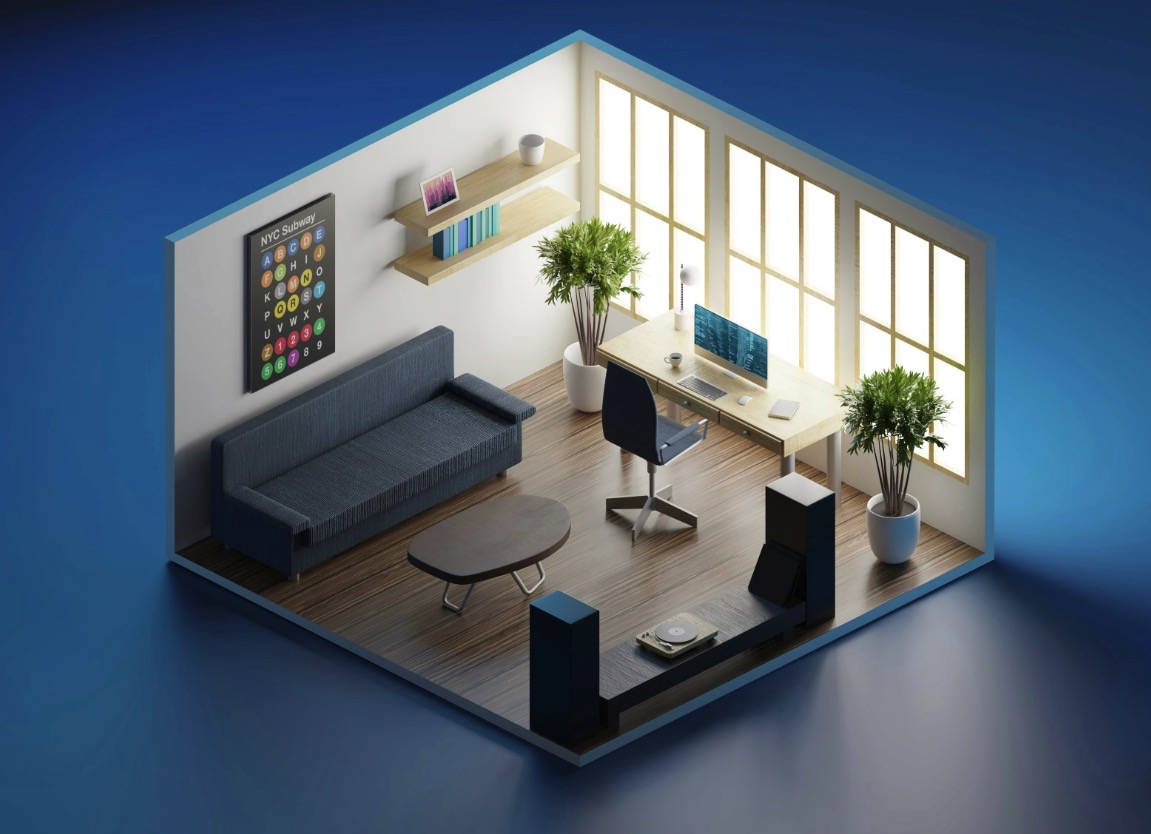
Control Blender with Claude AI using MCP
— Written by Eric Richers
Imagine building complex 3D scenes by simply describing them. By connecting Claude 3.7 Sonnet to Blender via the Model Context Protocol, you can automate modeling, lighting, and composition through natural conversation.
The BlenderMCP project by Siddharth Ahuja serves as a high-speed bridge between AI and creative production. Rather than Claude merely suggesting code, the Model Context Protocol (MCP) enables the AI to "see" your viewport and execute Python commands directly within Blender.
How It Works
Claude utilizes specialized tools like get_scene_info to audit your current workspace. When you prompt for something specific—such as a "dragon guarding a pot of gold in a playful isometric style"—Claude generates and runs the Python logic to construct geometry, assign materials, and calibrate atmospheric lighting in seconds.
Quick Setup Guide
1. Install UV: UV handles the server logic with minimal overhead. Run this in your terminal:
powershell -c "irm https://astral.sh/uv/install.ps1 | iex"
2. Configure Claude: Open Claude Desktop (Settings > Developer > Edit Config) and paste this server definition:
"mcpServers": { "blender": { "command": "uvx", "args": ["blender-mcp"] } }
3. Blender Add-on: Download addon.py from the GitHub repository. In Blender, install it via Preferences and click "Connect" in the sidebar (N-panel) to go live.
Key Capabilities
• Scene Awareness: Claude identifies selected objects, their scale, and their relative coordinates.
• Rapid Iteration: Refine your scene with commands like "make the floor wood" or "add 50 more trees" without touching a menu.
• Creative Control: Automate camera rigs, complex materials, and lighting setups via natural language.